
Table of Contents▼
In This Article
- What Is Rekordbox USB and How Does It Work in the Club?
- The Drawbacks of Rekordbox USB
- What Is Serato DJ Pro and How Do You Connect It to CDJs?
- The Benefits of Using Serato DJ Pro in a Club
- The Downsides of Serato DJ Pro in a Club Environment
- Serato Stems: The Feature That Gives Serato a Creative Edge
- Rekordbox USB vs Serato DJ Pro: Final Verdict
- Rekordbox USB vs Serato DJ Pro: Quick Comparison
I've used both rekordbox USB and Serato DJ Pro in the club as a nightclub DJ and producer from Chicago, and today we're going to get down to the bottom of it.
A bunch of the DJs I know constantly argue over this — which one is better, which one is more real DJing. My house DJs tend to prefer the USB, while my open format and hip-hop guys tend to prefer Serato.
For this discussion we're talking about the club standard setup — a CDJ setup, usually with a CDJ 2000, 2000 Nexus, Nexus 2, or 3000, and a Pioneer mixer, generally the DJM-900 Nexus or Nexus 2.
What Is Rekordbox USB and How Does It Work in the Club?
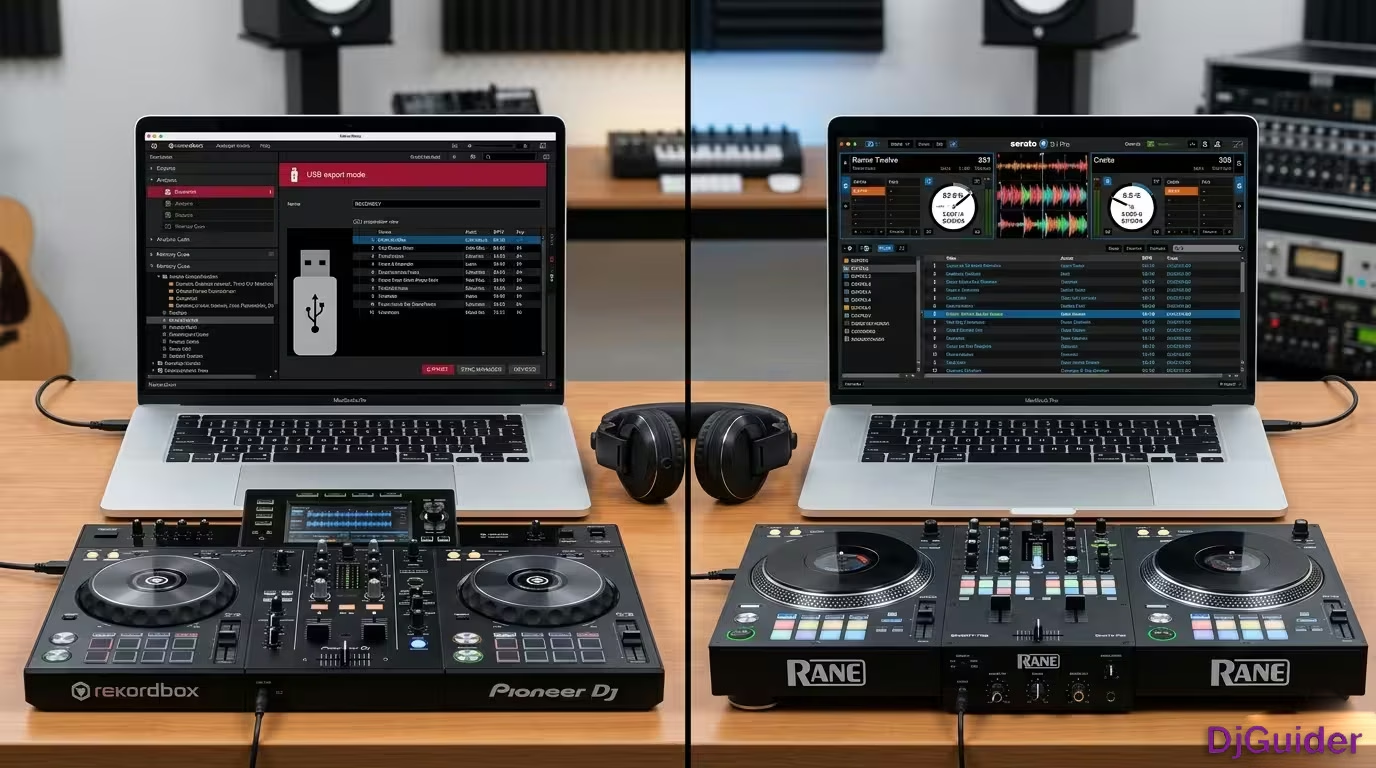
Rekordbox is a software made by Pioneer DJ that lets you prepare your music at home and bring it to the venue on a USB drive.
You download the software onto your computer, import your music, set your cue points, playlists, and folders, and then export all of that to a USB. Once you have that USB, you can simply go to the venue, plug your USB into the CDJ, and voila — you have all your music.
You download the software onto your computer, import your music, set your cue points, playlists, and folders, and then export all of that to a USB. Once you have that USB, you can simply go to the venue, plug your USB into the CDJ, and voila — you have all your music.
The Drawbacks of Rekordbox USB
There are some real drawbacks to rekordbox USB that can catch you out in a live club environment.
The biggest one is searching. Searching on CDJs is not quick — depending on the model of CDJ you may have a digital keyboard that you tap on, or you may even have an older version where you slide your finger across a slider to get to the letter you want. Either way, it's not a very quick process.
Another drawback is that you only have the music that you brought with you. I've been in this situation many times — you're at a very busy club, people are buying tables and bottles, and the manager comes up and says hey, this table is spending a lot of money and they really want to hear this song. If you don't have it on your USB, it's not happening.
Even if you had a way to put more music on your USB, it wouldn't be a quick process — so you're kind of out of luck as far as that goes.
- Slow searching — physical keyboard or slider, not fast
- Only the music you brought — no way to add tracks on the fly
- CDJ malfunction risk — if your USB is in a failing CDJ, you may lose access to your music
- No backup if a CDJ dies — with only one working CDJ, you can't mix
Another drawback is that if one of the CDJs is malfunctioning or not working at all, that might be the end of your set. If there's only two CDJs, how are you going to DJ with only one?
Worst case scenario, the one that's malfunctioning is the one you're already plugged into, and you only have one USB. Even if you're playing your track on one CDJ but your USB is in the other CDJ and that one shuts off — no more music on that side, because these are connected.
What Is Serato DJ Pro and How Do You Connect It to CDJs?
Serato DJ Pro is software you place on your laptop — you import your music, set your cue points, make your playlists, and then plug your computer into the CDJ setup.
There are multiple different ways you can connect Serato DJ Pro to a CDJ setup.
The most common way, and the way that I use, is called Club Kit. Club Kit is an additional cost on Serato DJ Pro, but it allows you to connect directly to a compatible mixer via USB cable, and then you're all set.
The second way is called HID Mode. HID Mode requires you to place a USB cord to each CDJ as well as the mixer, then plug those into a USB hub, and then into your computer. The drawback is that it's obviously much more complex and requires you to access the back of the CDJ while you're at the club, which can be inconvenient.
The plus side to HID Mode is it adds greater functionality to the CDJ. It allows you to use the hard hot cue buttons for your hot cues on Serato, it shows you your waveform from Serato, and it also gives quicker response with the pitch control.
The third way, which is seemingly getting phased out, is to use a Serato box — one of the Rane SL boxes, or in this case a Denon DS1. This requires you to take the RCAs coming out of the CDJ, plug them into the box, and then take the RCAs coming out of the box and place them into the back of the mixer.
Obviously this can be very time consuming and is probably the least desirable way — but it does work. For Club Kit and for the Serato Box Mode, you do have to have a Serato timecode signal playing through the CDJ, which is a tone that plays so that it can play your track properly.
| Connection Method | Setup Complexity | Cables Needed | Functionality |
|---|---|---|---|
| Club Kit | Low — one USB to mixer | 1 USB cable | Standard Serato control |
| HID Mode | High — USB to each CDJ + mixer + hub | Multiple USB cables | Full waveform, hot cues, faster response |
| Serato Box | High — RCAs through box to mixer | RCAs + USB | Works with older mixers |
| Rekordbox USB | Very low — plug USB into CDJ | 1 USB drive | No laptop needed |
The Benefits of Using Serato DJ Pro in a Club
The number one benefit that comes to mind is searching — you can search as quickly as you can think of something and type it in.
Unlike CDJs, which require an extensive amount of search time, if you have something already queued up and you change your mind, you can quickly drag and drop it over and it's playing immediately. That sounds like a given, but the load time on CDJs is one to two seconds, and when you're crunched on time that could make a difference.
Another major benefit is the flexibility with adding a track to your library that wasn't already there. In that scenario where the manager wants you to play a track you don't have, as long as you have an internet connection you can quickly jump online, grab the track, bring it into Serato, and now you're ready to go. You're keeping the manager happy, you're keeping the venue happy — everyone's happy.
With Serato, you can search as quickly as you can type, add tracks on the fly with an internet connection, and recover from a malfunctioning CDJ using Instant Doubles. That's a massive advantage in a busy club environment.
Serato also handles a malfunctioning CDJ far better than a USB setup. Serato has a function called Instant Doubles, which allows you to drag the track that's playing on one side to the other side, and it'll keep its exact position. All you have to do is switch which channel you're on — and the audience doesn't even realise.
You can simply hit internal on the deck that's malfunctioning, and it's still playing through the mixer. Then you can load up your next track on the other side, mix in, do your thing, Instant Doubles over, swap them, and now you're ready to drop another track and beatmatch like you normally would. You can actually do an entire set with only one CDJ or turntable — that's a very nice feature.
Serato has a function called Instant Doubles, which allows you to drag the track that's playing on one side to the other side, and it'll keep its exact position. All you have to do is switch which channel you're on — and the audience doesn't even realise. You can actually do an entire set with only one CDJ or turntable.
The Downsides of Serato DJ Pro in a Club Environment
The most obvious downside is that there's a lot going on — cords, software running, timecode signals — and there's a lot of things that can go wrong in that chain of technology.
Let's say you updated your operating system before you had a version of Serato that was ready for that update. This happens all the time, which is why DJs tend to keep their operating systems one version back just in case. But if you do update, you may face connectivity issues or it may crash during your set. I've never had this happen, but it could.
Another thing that could happen is if the firmware is not updated on the mixer you're trying to plug into when using Club Kit — it may not connect. I have had this happen. It doesn't happen so often anymore as they're mostly capable, but it's something to keep in mind.
- Technology chain risk — cords, software, timecode — many points of failure
- OS updates — upgrading too early can break compatibility
- Mixer firmware — Club Kit may not connect if firmware is outdated
- Laptop overheating — outdoor summer gigs can cause slowdowns
A final downside I've found with Serato is playing outdoor gigs in the summer. Your laptop is way more likely to overheat than some USBs. I've had my laptop overheat and start to slow down — you can start to hear it in the music — and you better switch real quick to USBs. So that's another downside.
Serato Stems: The Feature That Gives Serato a Creative Edge
Serato recently dropped a game-changer that definitely gives it a creative edge over rekordbox USB — that is Serato Stems.
Serato Stems is a function recently released on Serato that allows you to isolate the vocal or the instrumental simply by hitting one of the stems buttons. It uses AI to isolate them, and if you haven't prepared the track in stems already, it does take a few seconds to activate.
Stems opens up many creative opportunities to create mashups on the spot, or use vocal or instrumental pieces on their own to come up with something completely new. I'm sure rekordbox will come up with similar functionality at some point, but it would likely have to be on a later version of a CDJ as there's no button for this now — so it could take a while.
Serato Stems uses AI to isolate vocals or instrumentals at the touch of a button. This opens up creative opportunities to create mashups on the spot, or use vocal or instrumental pieces on their own to come up with something completely new.
Rekordbox USB vs Serato DJ Pro: Final Verdict
At the end of the day, there's not one that's better than the other, and there's not one that's more real DJing than the other.
It comes down to personal preference and style, and honestly it comes down to knowing your equipment, knowing where it could fail you, and what you're going to do if it fails. Preferably having a backup plan is really the best way to go.
Personally, I use Serato DJ Pro with Club Kit. It's super simple — it's one cord — and I rarely have compatibility issues. Then I use a paid subscription program called Lexicon that mirrors my Serato DJ library and playlists over to rekordbox USB, and I keep a USB as a backup.
Personally, I use Serato DJ Pro with Club Kit as my main setup. Then I use a paid subscription program called Lexicon that mirrors my Serato DJ library and playlists over to rekordbox USB, and I keep a USB as a backup. This gives you the creative flexibility of Serato with the reliability of USB backup.
Rekordbox USB vs Serato DJ Pro: Quick Comparison
| Feature | Rekordbox USB | Serato DJ Pro |
|---|---|---|
| Setup complexity | Simple — plug USB into CDJ | More complex — cords, software, timecode |
| Searching speed | Slow — physical keyboard or slider | Fast — type instantly |
| On-the-fly track adding | Not possible | Possible with internet connection |
| CDJ malfunction recovery | Difficult — may end your set | Easy — Instant Doubles function |
| Overheating risk | Very low | Higher — laptop dependent |
| Creative tools | Limited currently | Serato Stems available now |
| Backup portability | Easy — small USB | Requires full laptop setup |
| Best for | House DJs, simplicity | Open format, hip-hop, flexibility |