
Table of Contents▼
In This Article
- The Problem With Bluetooth Latency in DJing
- How W Plus Link Technology Solves the Latency Problem
- Why Standard Bluetooth Can't Get Latency Low Enough
- How W Plus Link Achieves Near-Zero Latency
- The Real-World Test: Beat Matching by Ear
- What the Beat Matching Test Actually Proves
- Three Modes: W Plus Link, Bluetooth, and Wired
- Sound Quality and Isolation
- The App: Sound Profiles and Firmware Updates
- Battery Life and Wireless Range
- What's in the Box
- The X03 Transmitter Explained
- How Pairing Works
- The Modular Upgrade Option for Existing TMA2 Owners
- How These Compare to Alpha Theta's Wireless DJ Headphones
- Who Are These Headphones Actually For?
- Quick-Start Guide: Is Wireless Right for Your DJ Setup?
The Problem With Bluetooth Latency in DJing
Standard Bluetooth introduces latency that makes beat matching feel wrong — and here's exactly why.
Delay or latency is usually where wireless DJing falls apart. Standard Bluetooth like AirPods can introduce something called latency, and this can be really problematic when it comes to things like beat matching.
That standard Bluetooth delay sits at around 300 milliseconds. Roughly the time it takes for you to blink. Imagine pressing cue and your audio arriving a whole blink later.
That's why Bluetooth DJing feels wrong. Your brain sort of hears the delay and starts compensating for it.
Your auditory system is incredibly sensitive to timing discrepancies. A 300ms delay is roughly the difference between a clap and its echo off a wall 50 metres away. When you're beat matching, your brain is trying to align two audio sources in real time — any perceivable delay forces you into a cycle of over-correction that makes smooth mixing impossible. That's why Bluetooth DJing has never been viable.
How W Plus Link Technology Solves the Latency Problem
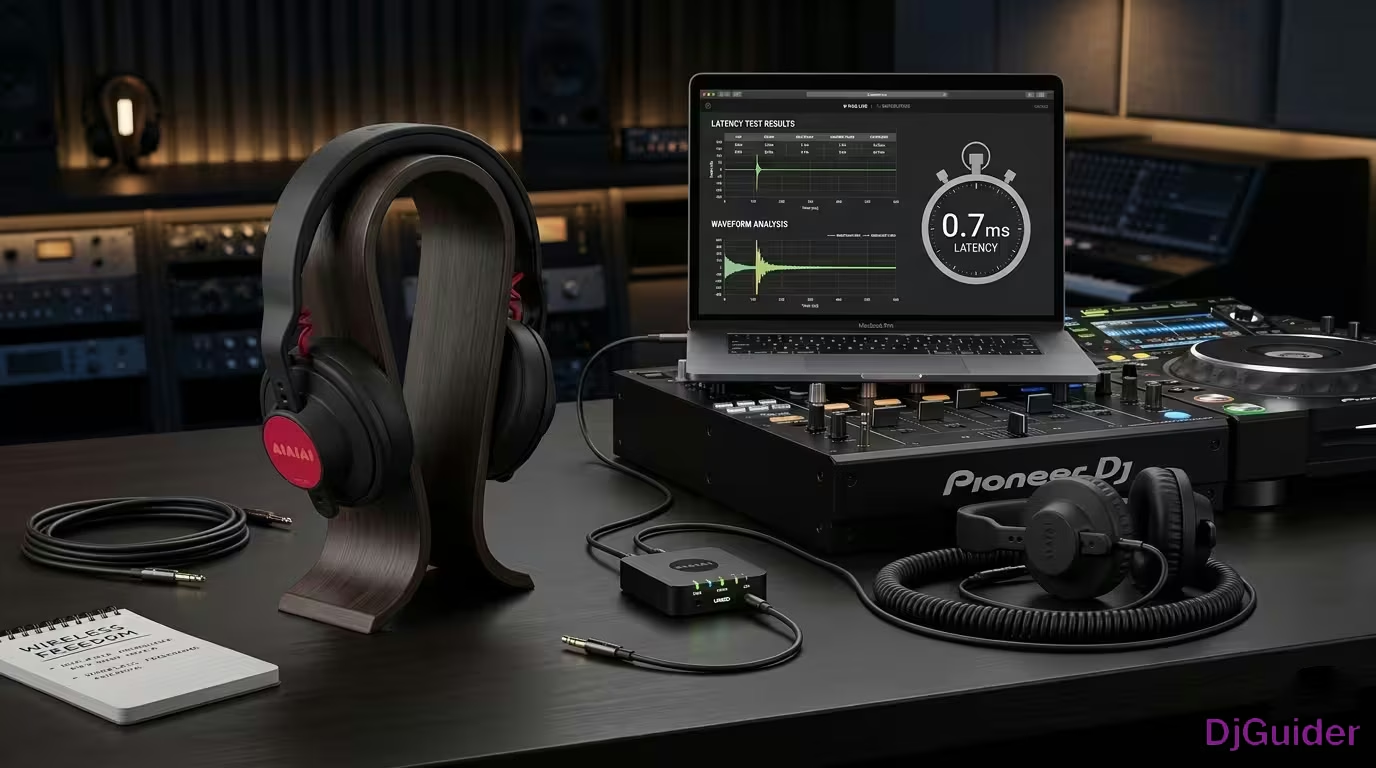
The AIAIAI W Plus Link system claims 9.5 milliseconds of latency — below the human perception threshold of 10 milliseconds.
The W Plus Link technology bypasses the standard Bluetooth signal entirely. It's on the same network, but they've basically added their own signal in, built directly into the headphone cups.
For this to work, you need to create a closed loop between the headphone cup and a transmitter. This transmitter allows a direct connection between these two devices.
The difference between standard Bluetooth (100–300ms) and W Plus Link (9.5ms) is roughly 30x. At 9.5ms, the delay is shorter than the time it takes for sound to travel 3 metres through the air — meaning the latency from your headphones is actually smaller than the natural delay of hearing a speaker across the room. That's the engineering breakthrough that makes wireless DJing viable.
Why Standard Bluetooth Can't Get Latency Low Enough
Bluetooth was built for stable, broad connectivity — not for the speed that DJing demands.
Standard Bluetooth divides up all the music as it comes in into tiny little packets, then sends each one out and waits until it's got a response message from your headphones before it sends the next one. That inbuilt communication and processing takes latency up to 100 milliseconds plus.
Bluetooth has been developed to send lots of different signals and have a really stable type of connection, which means there's a long buffer time and you end up with this big latency delay.
How W Plus Link Achieves Near-Zero Latency
Instead of waiting for packet confirmation, W Plus Link uses two separate antennas and sends the same data constantly.
Rather than sending a tiny little packet of music and waiting for it to be received before sending the next one, the system uses two separate antennas and just sends the same data all the time. It doesn't wait for a response back.
If one of the two different wireless connections drops, you have the other one as a backup already. It's got a redundant connection, which you can use as a backup.
This gives you a really stable connection without having to wait for all this messaging time and have this long delay in between. It's basically refined down just to purely send audio as quickly as possible.
The Real-World Test: Beat Matching by Ear
If there's noticeable delay, DJing exposes it instantly — so beat matching by ear is the only test that really matters.
The test was straightforward: one song playing on deck one out the speakers, with a track loaded on deck two. Cover up the visuals and do a beat matching test purely by ear — listening to deck two in headphones and deck one out the speakers.
Theoretically, being able to beat match those two audio sources together means that latency is so small that you can beat match confidently and ensure you're in time even without the wired connection.
Both tracks played in time. Not once, but twice, just to confirm it wasn't a fluke. That's a big tick.
Both tracks played in time. Not once, but twice. The wireless connection was indistinguishable from a cable for the purposes of beat matching. This is the result that matters — not a spec sheet, not a marketing claim, but an actual DJ performing a real technique and confirming it works.
What the Beat Matching Test Actually Proves
Ultimately, if there was noticeable delay, you would have seen it immediately.
Beat matching would feel kind of strange because you'd always be beat matching slightly out of time with what's playing out the speakers. You'd start second-guessing what your hands are doing.
The key thing is not actually thinking and trying to compensate for timing. It should just feel directly like a cable, which is exactly how it should be.
To test any wireless headphones yourself, try this: put a track on loop, cover the waveforms, and attempt to beat match a new track purely by ear. If you can nail the mix within three attempts, the latency is acceptable. If you find yourself constantly second-guessing and re-adjusting, the latency is too high. This is a more honest test than any spec sheet.
Three Modes: W Plus Link, Bluetooth, and Wired
These aren't just DJ-only headphones — they've built this as a three mode system.
You've got the W Plus Link for DJing and performance. You've also got traditional Bluetooth for listening, traveling, digging for music, and general day-to-day listening. And then you do have the cable — if you just want to keep it simple, you can just plug the cable in and not worry about any wireless connectivity or battery life.
You're not really buying something hyper-specific. You're buying one set that works across your whole music life.
| Mode | Latency | Best For |
|---|---|---|
| W Plus Link | 9.5ms | Live DJing, beat matching, performance |
| Standard Bluetooth | 100–300ms | Casual listening, travel, music discovery |
| Wired cable | 0ms (zero latency) | Studio, critical listening, backup option |
Sound Quality and Isolation
Latency means nothing if you can't hear the kick clearly in a loud booth.
These use on-ear memory foam pads with strong isolation and they're tuned clearly to present bass and treble detail, which as DJs is what we kind of care about.
If that's not enough, you can actually EQ them through an app. By being able to customise the EQs inside the headphones, you can adapt them for different scenarios.
For general digging and long listening sessions, a more balanced profile makes sense. Then you can quickly go into the app and add a slightly more kick-focused profile for loud booths and boost that low EQ. That means you're not cranking the overall volume to hear what's going on in the booth — you can just push the EQ a bit.
It's one of those features that it's not flashy or anything, but it's really useful as a pair of headphones that you're going to use in many different ways.
Take five minutes to set up at least two custom EQ profiles: one for loud booths (boost low end by 2–3dB, slightly cut mids) and one for quiet listening (balanced or flat). Switch between them via the app depending on your environment. This is more effective than constantly adjusting the volume knob — and much better for your hearing long-term.
The App: Sound Profiles and Firmware Updates
The app lets you switch between sound profiles and update firmware directly from your phone.
In DJ mode, you've got:
- Balanced
- Bass Focus
- Listening
- Custom
In Studio mode, you've got:
- Detailed
- Accurate
- Natural
- Custom
You can drag the EQ up and down as you choose across all profiles.
Battery Life and Wireless Range
Performance is one thing, but reliability matters just as much.
These quote around 20 metres line of sight range and over 20 hours of battery life in DJ mode, which realistically means you're not actually worrying about it mid-set. And that peace of mind is important because wireless only works if you forget that it's actually wireless.
What's in the Box
Here's everything included with the AIAIAI TMA2 DJ Wireless headphones.
- Headband
- S11 wireless cups (the cups with W Plus Link built in)
- On-ear cushions as standard (over-ear cushions available via their builder)
- Charging cable for the transmitter
- Wired locking cable that plugs into the headphones and your mixer or audio device
- Carry bag for the full kit
The X03 Transmitter Explained
The X03 transmitter is the device that creates the closed loop with the headphones.
It's a very simple little device. You've got an audio jack cable output, a USB-C charging port, and an on/off switch. There's an LED that tells you what state it's in — if it's turned on or searching for a signal from the headphones.
Without the X03 transmitter, you're just using standard Bluetooth. The transmitter is what creates the W Plus Link closed loop and achieves 9.5ms latency. Always keep it charged and packed in your DJ bag. If you ever lose or damage it, the headphones fall back to Bluetooth mode — still usable for casual listening, but not for live beat matching.
How Pairing Works
Pairing the headphones to the transmitter happens automatically the moment you power them on.
The headphones have a joystick — a button and lever that you can click in all directions, with a small LED light. Hold the joystick in to power them on. Both the headphone LED and the transmitter LED go solid, which means they've paired themselves together automatically. That's the W Plus Link connecting.
If you can't pair, hold the joystick to the right to enter pairing mode for W Plus Link.
Double-clicking the joystick turns the light blue, which means it's in standard Bluetooth mode. From there you can connect to your phone or any other Bluetooth device. Hold the joystick to the right again to enter Bluetooth pairing mode. It's super simple.
When you turn the headphones off by holding the joystick down, it flashes green to indicate battery level — meaning there's a lot of battery still left. It will flash red if they need charging.
There is going to be an update where within the app you can see exactly how much battery level is left.
The Modular Upgrade Option for Existing TMA2 Owners
If you already own the TMA2s, the whole system is actually modular — so you don't need to buy a completely new headset.
You swap the speaker units, add in the transmitter, and you're done. It's a much cheaper way of upgrading your headphones than buying a whole new set.
Most brands will just want you to replace everything. Whereas this feels much more long-term, more sustainable, and actually just more practical.
The modular design means you're not throwing away perfectly good headbands, cables, or ear pads when you want to upgrade. You just swap the speaker units. This is rare in the headphone industry and genuinely better for both your wallet and the environment. If you already own TMA2s, the upgrade path is significantly cheaper than buying a new system from any other brand.
How These Compare to Alpha Theta's Wireless DJ Headphones
Alpha Theta do have their own version of wireless DJ headphones, but there are some clear differences.
The biggest difference is that these feel much more lighter. The modular design is a major plus, and they're just much nicer to wear — they're not as heavy on your head.
As far as sound profile goes, these are decent and the fact you can EQ them is also a nice added bonus. It's definitely worth noticing that there are more brands coming to market with this technology integrated.
Who Are These Headphones Actually For?
These only make sense if latency actually matters to you as a DJ.
If you DJ regularly and you're tired of fighting cables in the booth, if you move around the booth a lot or maybe you're dancing a lot, then maybe these are for you. If you stream music or if you're just a casual listener, they can work for you in that way too.
If you like the idea of freedom without sacrificing timing and delay — especially if you're already in the TMA2 ecosystem — then these make quite a lot of sense.
If you're just looking for casual Bluetooth headphones, you can absolutely spend a lot less and get some very good Bluetooth headphones.
Quick-Start Guide: Is Wireless Right for Your DJ Setup?
| Your Situation | Recommendation | Why |
|---|---|---|
| Club DJ, tired of cable tangles | W Plus Link or similar | Freedom of movement without latency |
| Mobile/wedding DJ, frequent setup | W Plus Link | Less cable management at every gig |
| Home DJ, beginner | Standard Bluetooth might be okay | Lower cost, lower stakes for latency |
| Studio producer | Wired or dedicated studio cans | Zero latency, better critical detail |
| Live streamer | W Plus Link | Move freely, no cable noise |
| Travel/listening only | Standard Bluetooth headphones | Much cheaper, no need for low latency |
If you're curious about wireless DJing, the best approach is to try before you buy. Find a shop or a DJ friend with W Plus Link or similar low-latency wireless headphones and run the cable test described in this article. If you can't tell the difference between wired and wireless in a blind beat matching test, the technology is ready for you. If you notice the delay, wait for the next generation — and use the cable in the meantime.